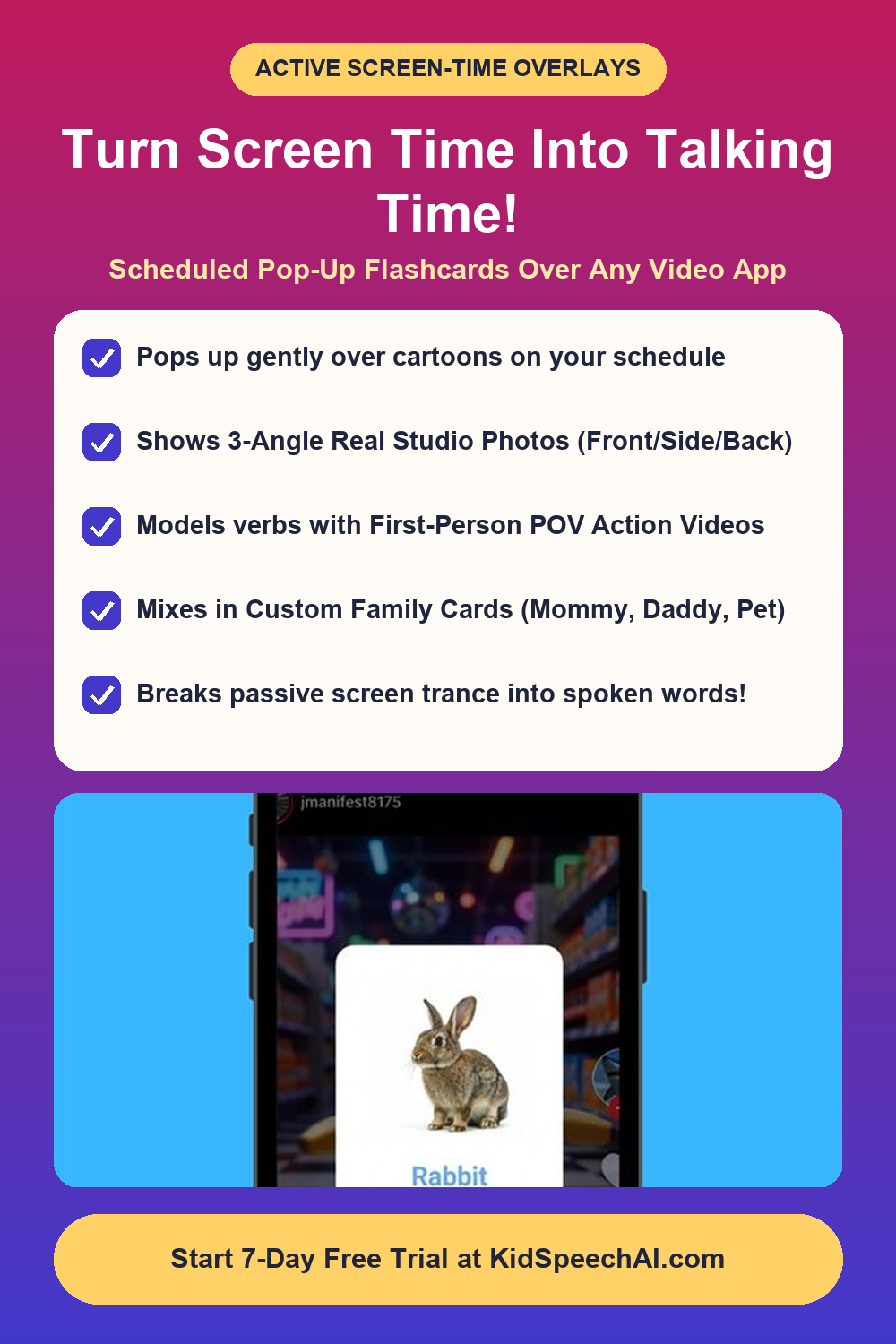
Every busy parent needs 15 to 20 minutes of screen time to cook dinner or take a shower—the problem isn't the screen itself, it's the 'passive trance' where a toddler watches fast-paced cartoons for 20 minutes without practicing a single real-world word! Kid Speech AI: Play & Learn ($9.99/mo or $79.99/yr with a 7-day free trial on Google Play) solves this with Scheduled Pop-Up Image & Video Flashcard Overlays that gently pop up RIGHT OVER your child's favorite video app on your schedule, showing 3-angle real objects, custom family photos, and first-person hand actions that invite your toddler to say the word out loud!
Why 'Overlay Micro-Breaks' Break the Passive Screen-Time Trance
When a toddler watches continuous auto-play cartoons, their brain enters a passive visual-receiving state where vocalization drops to near zero. By scheduling a 5- to 8-second Pop-Up Flashcard Overlay every few minutes right over the video, you gently interrupt the passive trance with a clear, distraction-free real object or first-person action—prompting your child's brain to actively process and repeat a real word!
3 Steps to Set Up Active Screen-Time Overlays in Under 60 Seconds
- 1. Turn On 'Pop-Up Image Flashcards' or 'Pop-Up Video Flashcards' Before Handing Over Your Phone: Open Kid Speech AI: Play & Learn, choose your interval schedule, and enable 3-Angle Real Object Image Cards or First-Person Action Video Cards. They will appear automatically right over whatever show or app your child is watching!
- 2. Mix In Custom Family & Favorite Toy Cards ('Mommy, Daddy, Doggy, Cup!'): Add 5 photos or short video clips of your own family members and your toddler's real toys into Custom Photo & Video Flashcards. When your toddler suddenly sees their own dog or Daddy pop up over a cartoon, they light up and shout the name!
- 3. End Screen Time With a 2-Minute 'Find It in Real Life!' Camera Game: When the show is over, avoid a transition tantrum by switching to 2-Second Live AI Camera Object Naming: "We saw a cup and a ball on our pop-up cards—let's go scan your real cup and ball with the camera!"
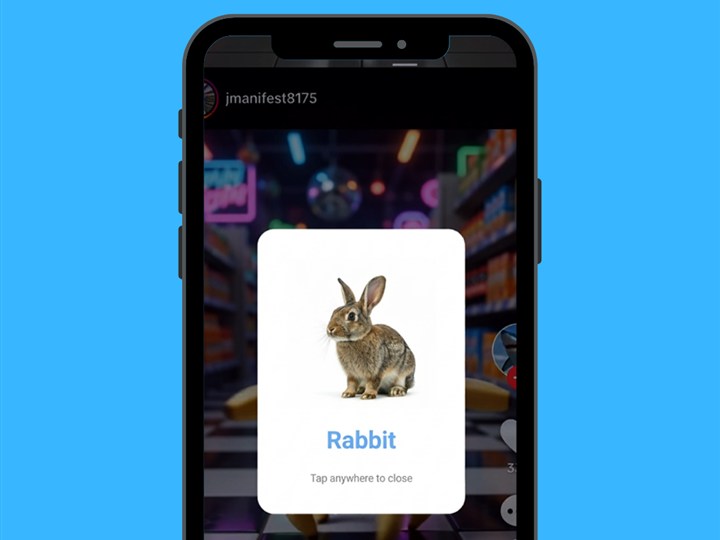
Pop-Up Image Flashcards gently overlay 3-angle real studio photos right over your child's screen time!

Mix in Custom Family Photos (Mommy, Daddy, Nana, family pet) so your toddler shouts out familiar names during screen time.
At-Home Vocabulary & Routine Comparison Guide
| Screen-Time Habit | What Happens to Toddler Speech | How Kid Speech AI Transforms It |
|---|---|---|
| 30 mins nonstop auto-play cartoons | Passive visual trance; zero spoken words | Scheduled Pop-Up Flashcards spark active word breaks |
| 2D fantasy cartoon characters | Hard to transfer to real home objects | 3-Angle Real Studio Photos + Custom Family Cards |
| No verb or action modeling | Child only memorizes static colors/ABCs | First-Person POV Action Videos teach everyday verbs |
| Meltdown when turning screen off | Abrupt stop triggers frustration | Bridge to real play with 2s Live AI Camera Naming |
Frequently Asked Questions for Parents
Do Kid Speech AI's Pop-Up Flashcards really work over other apps on Android?
Yes! Using Android's safe display-over-other-apps permission, Kid Speech AI pops up your chosen flashcards right over your child's video or game on the exact schedule you set, then lets them continue smoothly.
Can I choose whether image flashcards, action video flashcards, or custom family cards pop up?
Yes—you have 100% control over the flashcard mode, timing, and custom family cards from the parent dashboard!
Is there a free trial so I can test the Pop-Up Flashcard Overlays today?
Yes! Every download on Google Play includes a full 7-day free trial of all 6 modes ($9.99/mo or $79.99/yr after, cancel anytime in one tap).
Turn Everyday Play & Screen Time Into Real Words!
Try all 6 interactive vocabulary modes free for 7 days on Google Play ($9.99/mo or $79.99/yr after—cancel anytime in one tap).
▶ Start 7-Day Free Trial on Google Play